 Halenor
Appointment booked
An open time from your Calendar, on the schedule with who's going.
of surveyed consumers say they'd call a competitor if a business doesn't answer.
CallRail survey of 1,000 U.S. consumers, Sept 25, 2025 · stated intent, not Halenor data · Source ↗
You can't always pick up.
Your business still can.
Halenor answers your business calls, captures messages, manages appointment requests, routes calls to your staff and keeps customer requests in front of your team, and, once texting is active, sends reminders and follow-ups.Answers calls, takes messages, books appointments.
Try the Demo Calendar, no account needed →Today: Calendar is ready after payment; phone and messages after setup and a test call; texts after carrier registration. Details →
Incoming call
Riverside Plumbing business line


Incoming call
Riverside Plumbing business line
“Hi, is Tom in Accounting around? It's about an invoice.”
“Tom isn't available right now. I can take a message.”
Message captured for staff follow-upHow your team receives messages depends on your setup. Assigning a message to a named person isn't available yet.
Today: Calendar is ready after payment; phone and messages after setup and a test call; texts after carrier registration. Details →
Synthetic local replay: real Halenor screens where marked, illustrations where marked, sample data, no live call. AI Phone is active only after setup and a successful test call.
Where every call ends
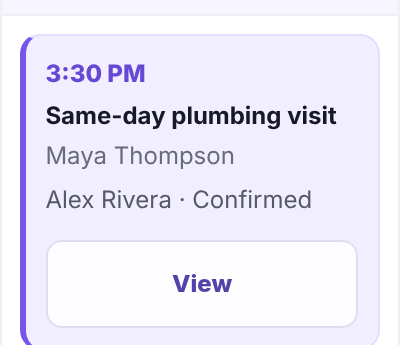
An open time from your Calendar, on the schedule with who's going.
Who called, how to reach them and why, captured for staff follow-up.
When there's no slot that fits, the request is saved for your team to follow up.
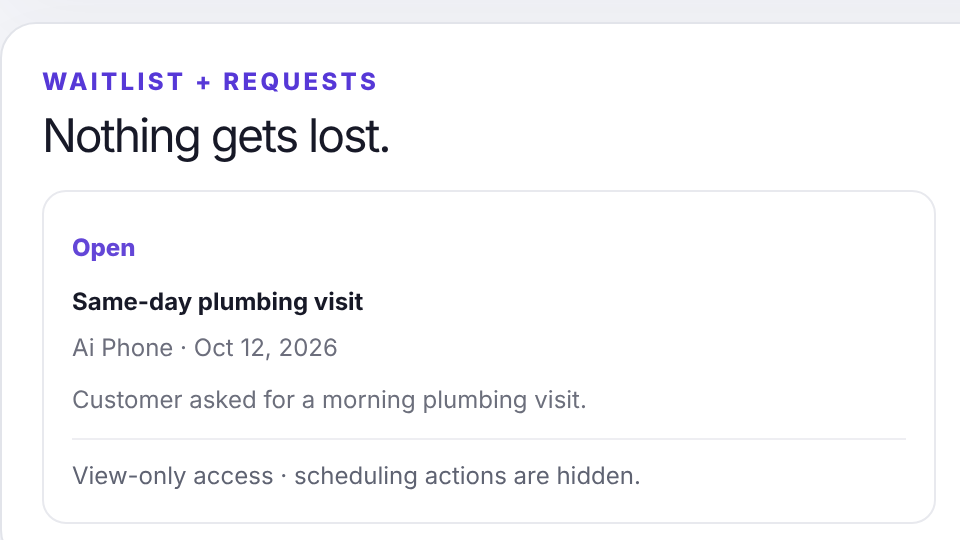
Works for salons, offices, trades and other businesses that take calls and appointments. The sample business shown is a fictional plumber.
Outcomes from calls require AI Phone, which goes live after setup and a successful test call.
The whole call, step by step
Offers your real services and open times from your Calendar, or captures who called and why.
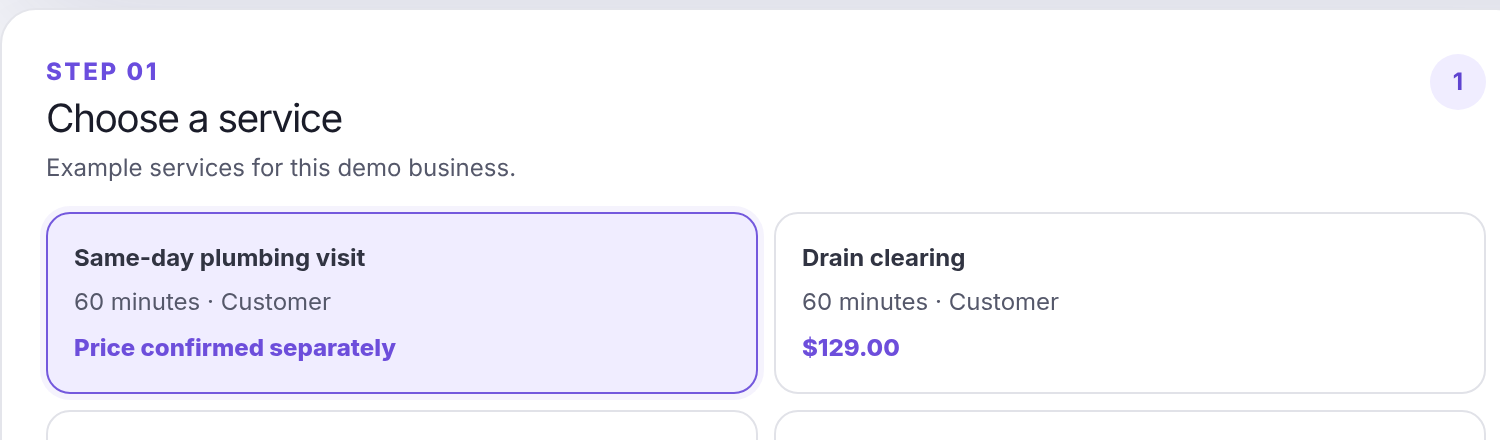
Real screen · halenor.com/schedule/demo · sample services and prices of the fictional demo business
On the schedule with who's assigned, or saved as a request.
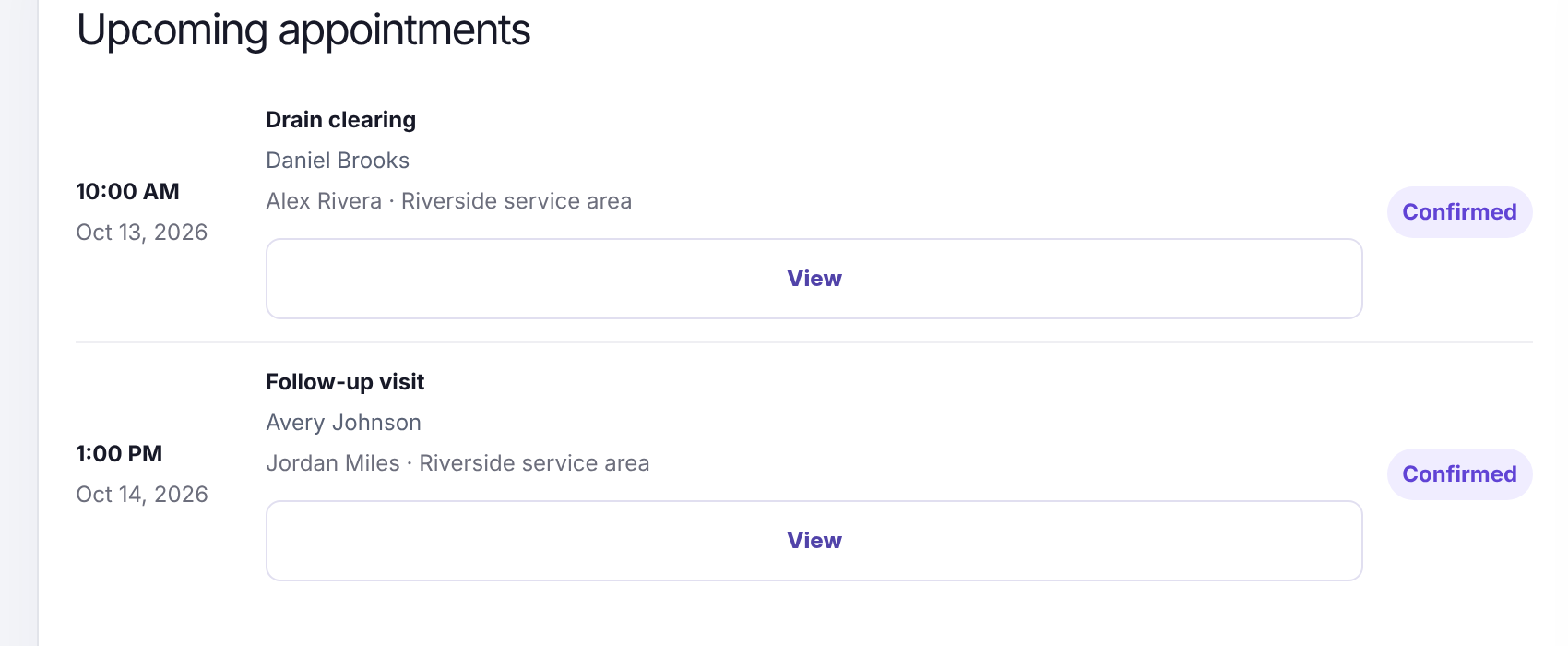
Real screen · upcoming appointments · halenor.com/calendar-preview
Once texting is active, the caller gets a confirmation and a reminder, in your business name.
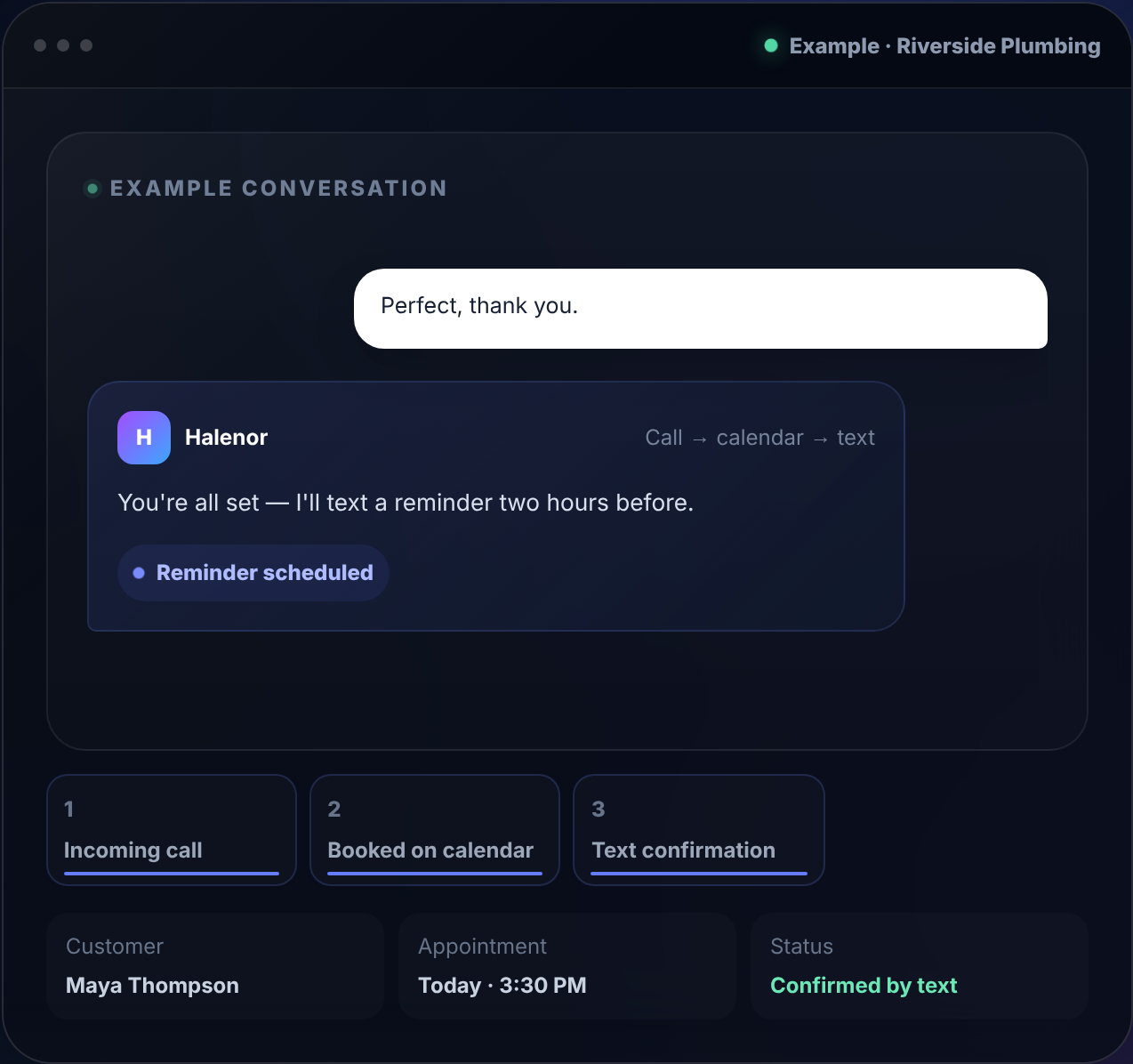
Real screen · halenor.com example conversation · text confirmations only after carrier registration
Real Halenor screens, sample data. Each screen appears once on this page outside the hero demo.
Live today
The Demo Calendar on halenor.com is the real product, filled with sample jobs. Open it and click around, no account needed.
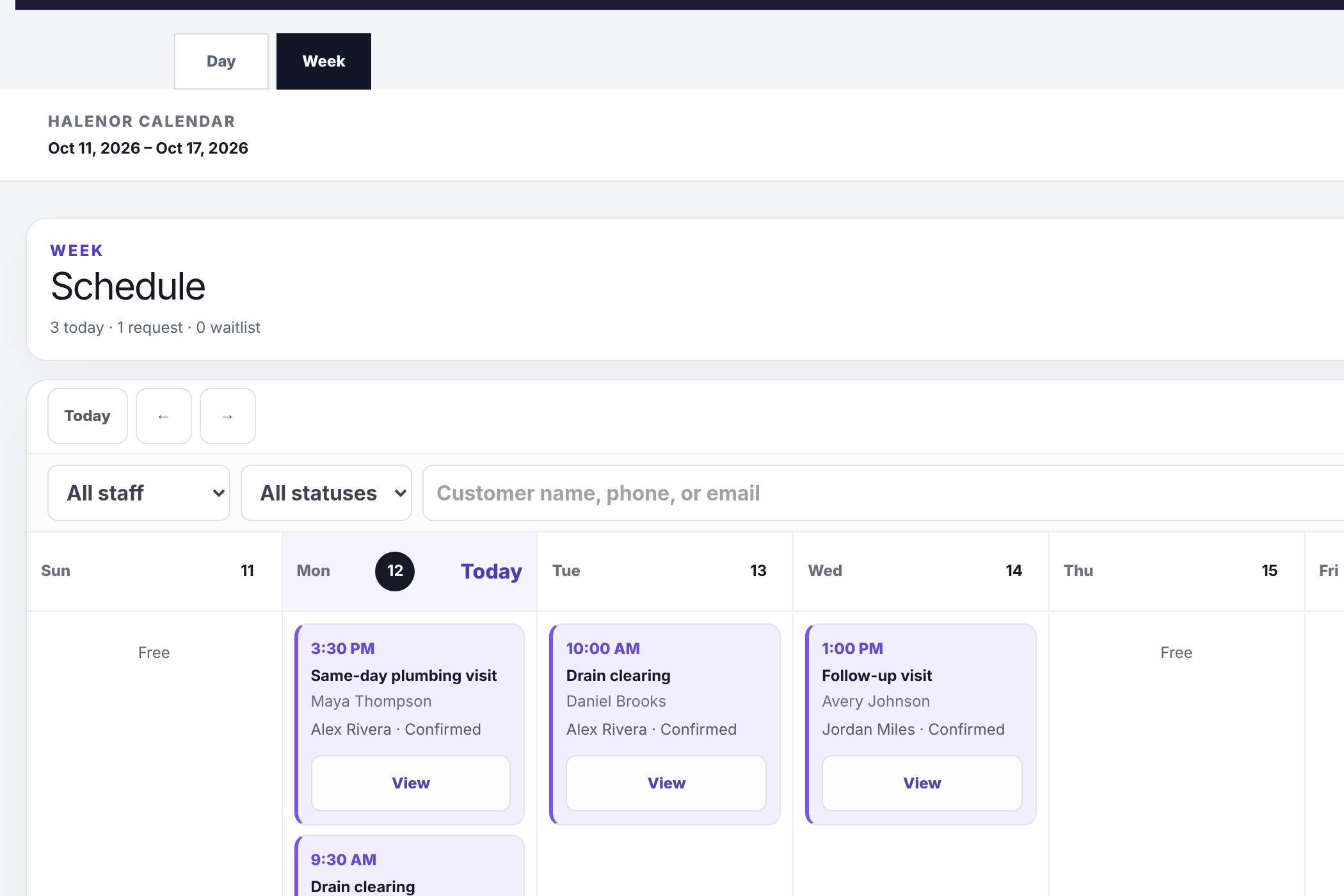
Real Halenor screen · actual product surface, sample data
Your view as the owner
Getting started
Services, hours, staff and how calls should be handled.
Approve the facts Halenor can share, your booking rules and routing preferences.
Each capability goes live after a successful test. Texting needs separate carrier approval; we show the status and don't promise a date.
Trust and control
Each capability goes live separately, only after it's confirmed working for your business. Purchase starts setup; nothing is called live before then. No testimonials or ratings are shown because we don't have verified ones yet.
Start with the Calendar and add the front desk when you're ready. Prices, setup fees and any launch offer are on the pricing page.
75% off your first month. Setup fee waived. Plans include a 3-month commitment.
Try the Demo Calendar first, no account needed. Setup asks you to create an account and save a card ($0 due today).